Start with the buyer’s questions
A useful product page helps someone decide whether an item meets a specific need. Before discussing visibility, list the questions that arise before purchase: what is it for, who is it suitable for, and what are its dimensions, variants and constraints? Clear answers also give sales and support teams a reliable reference.
For a large catalogue, start with a representative category. Choose items covering both common situations and differences that are difficult to explain. This lets you test an editorial and technical method before expanding it.
Make each reference identifiable
Give the product and its variants a consistent identity. The title should help recognize the item; the description should explain its purpose, material, capacity or other relevant characteristics. Separate technical attributes from sales language. A phrase such as “exceptional quality” cannot replace information that helps compare two references.
Consider a jacket sold in several colours and sizes. Visitors need to understand which options exist and which combination they are viewing. When dimensions, price or lead time change with the option, the displayed information should follow the selection. Also define how replaced items, compatible accessories and related technical documents are handled.
Write answers that support a decision
Organize the page into short sections covering use, characteristics, delivery arrangements, care and relevant limitations. Important information should not rely solely on text embedded in an image. Explain exclusions when they prevent a genuine misunderstanding. Precision can reduce repetitive questions without turning every page into an excessively long commercial document.
Use the knowledge held by your team, then have the product owner review it. A recurring question deserves a specific answer rather than the same paragraph pasted onto every item. Avoid invented reviews, comparisons that cannot be checked and performance statements unsupported by available evidence. Decide who approves changes before editors begin updating a large category.
Keep price, availability and delivery consistent
Identify the system responsible for each field: storefront, ERP, catalogue tool or logistics provider. Define how a correction reaches the page and who checks exceptions. Accurate editorial content loses value when the displayed price or availability differs from the offer actually available during the visit.
Test a price change, an out-of-stock item and an unusual lead time. Check the page, variants, information sent to selected channels and any caching involved. If an exchange fails, provide an internal signal and an agreed display rule. An actionable alert is more useful than a data-freshness promise that nobody is responsible for monitoring.
Check access and readability
Review public pages from outside administration: server responses, internal links, main content and indexing settings. Check mobile layouts and information that appears only after interaction. Crawler rules, sitemaps and publication settings serve different purposes; staging settings should not be transferred blindly to a public domain. Google’s robots.txt documentation explains that file’s role and limitations.
Keep a short set of reference pages, including a simple product, a variant product and an unavailable item. Use it when updating the theme, changing catalogue handling or migrating the site. Record the results and assign an owner to corrections. This makes later checks repeatable instead of depending on whoever happens to notice an issue.
Describe the real offer with structured data
Google documents Product structured data for products and offers, including support for variants. The selected markup should match visible information and how the site actually works. Validate representative pages and monitor errors rather than treating plugin installation as permanent proof of correctness.
Distinguish information published on the page from information sent through an optional product feed. Google explains these channels in its ecommerce documentation. Within your business, assign responsibility for maintaining them and resolving differences. Do not invent ratings, reviews or attributes merely to fill a technical field. The commercial source should remain authoritative when a technical integration exposes inconsistencies.
Approach AI discovery without artificial promises
For AI Overviews and AI Mode, Google says established SEO practices remain relevant and no additional special file or markup is required. That does not guarantee inclusion, ranking or citation. Other search services have their own conditions and need separate assessment.
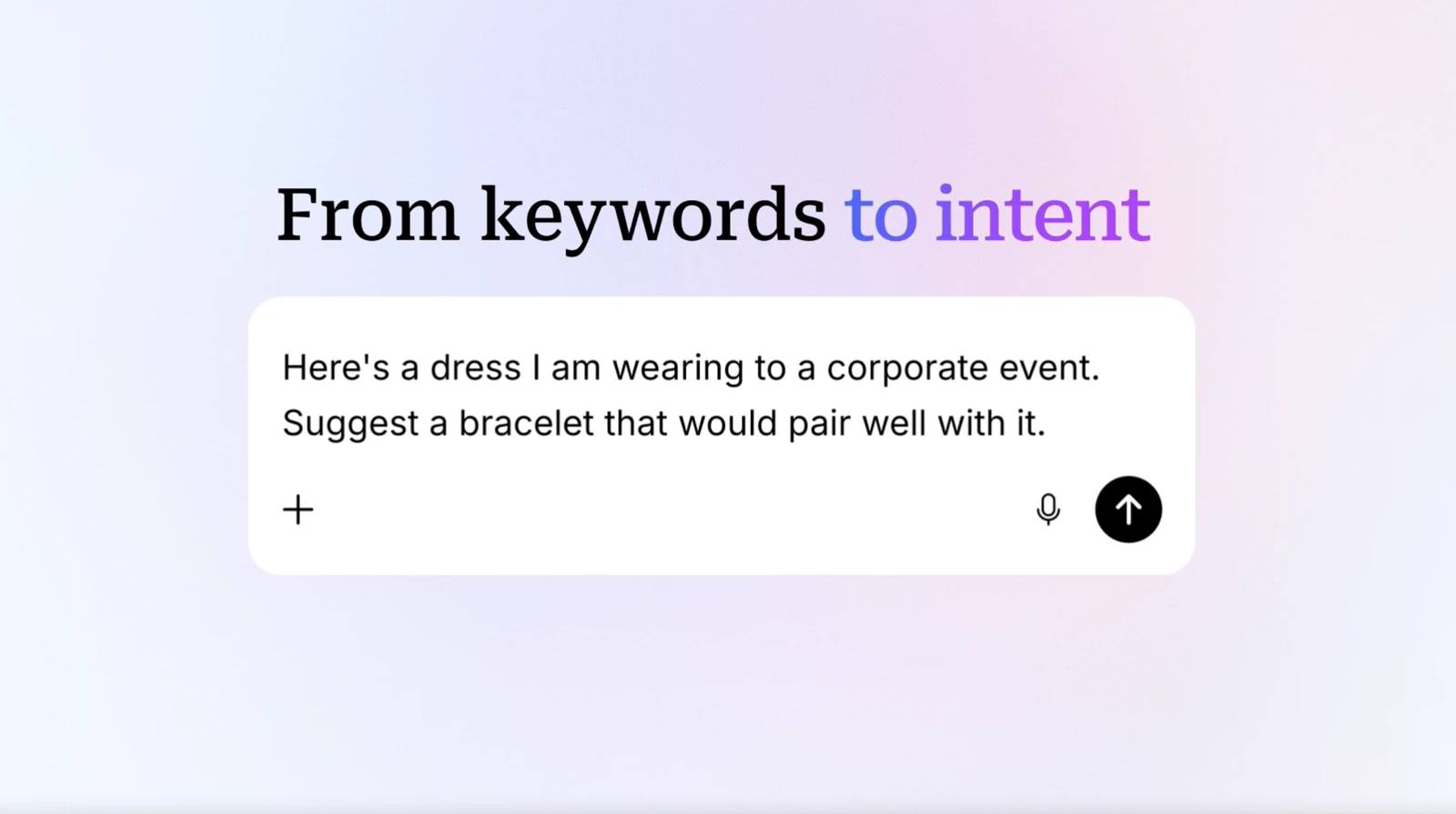
Mirakl’s page on AI recommendations offers a useful discussion of catalogue preparation. Translate the topic into verifiable work for your own project: clearer attributes, documented offers and controlled data exchanges. Do not transfer a supplier’s customer testimonials or statistics to your business. An interface demonstration does not establish traffic, sales or the availability of an integration for your particular tools.
Build a practical monitoring routine
Establish a baseline before changes: accessible pages, known errors, useful queries, visits and enquiries or sales actually recorded. Compare similar periods and scope afterwards. Separate visibility changes from availability problems or campaign changes so that one action does not receive credit for every movement in a report.
Innovancy can help scope the site structure, product information quality and connections to business tools. Bring a product sample, the data sources and recurring buyer questions. A useful first deliverable is a prioritized improvement list with verification criteria and a realistic implementation scope. Decide who keeps the information accurate after launch, because catalogue quality is an ongoing operating responsibility.
Sources and further reading
- Google — AI features and your website
- Google — Product structured data
- Google — robots.txt
- Google — product data channels
- Mirakl — AI recommendations